V16 Training · Work Faster · Lesson 3 of 4
Notifications
This lesson shows where notifications arrive, how a user chooses what reaches them, and what the alert rules are.
Written guide
The idea
Parsimony tells you when something needs you: an assignment, a mention, a shared document. The bell panel holds them, each user's Notification Settings choose what is shown and what is emailed, and alert rules set up by an administrator can notify people automatically. The screens use example data from a demo company. Your own site shows your own notifications.
Step by step
The bell
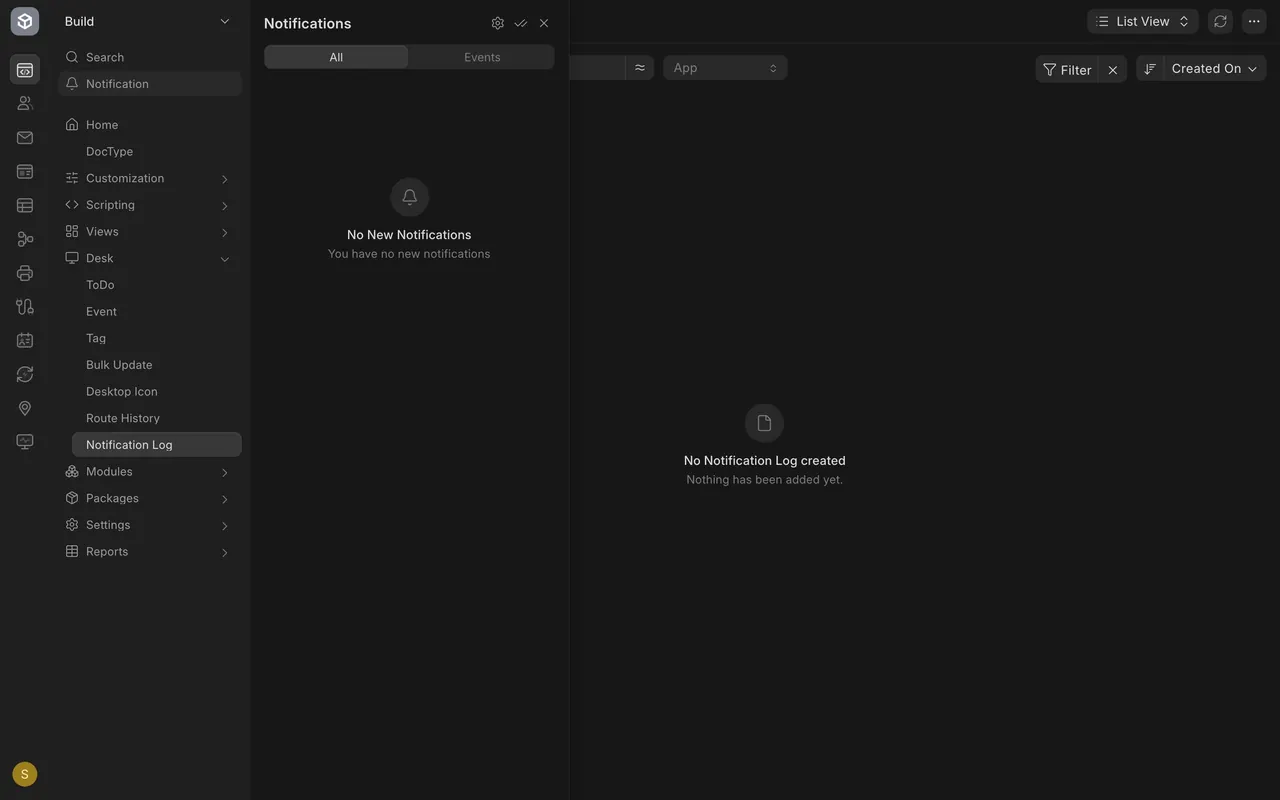
Choose Notification in the left sidebar. A panel called Notifications opens with the tabs All and Events. In this example it says No New Notifications, because nobody has sent this user anything yet.
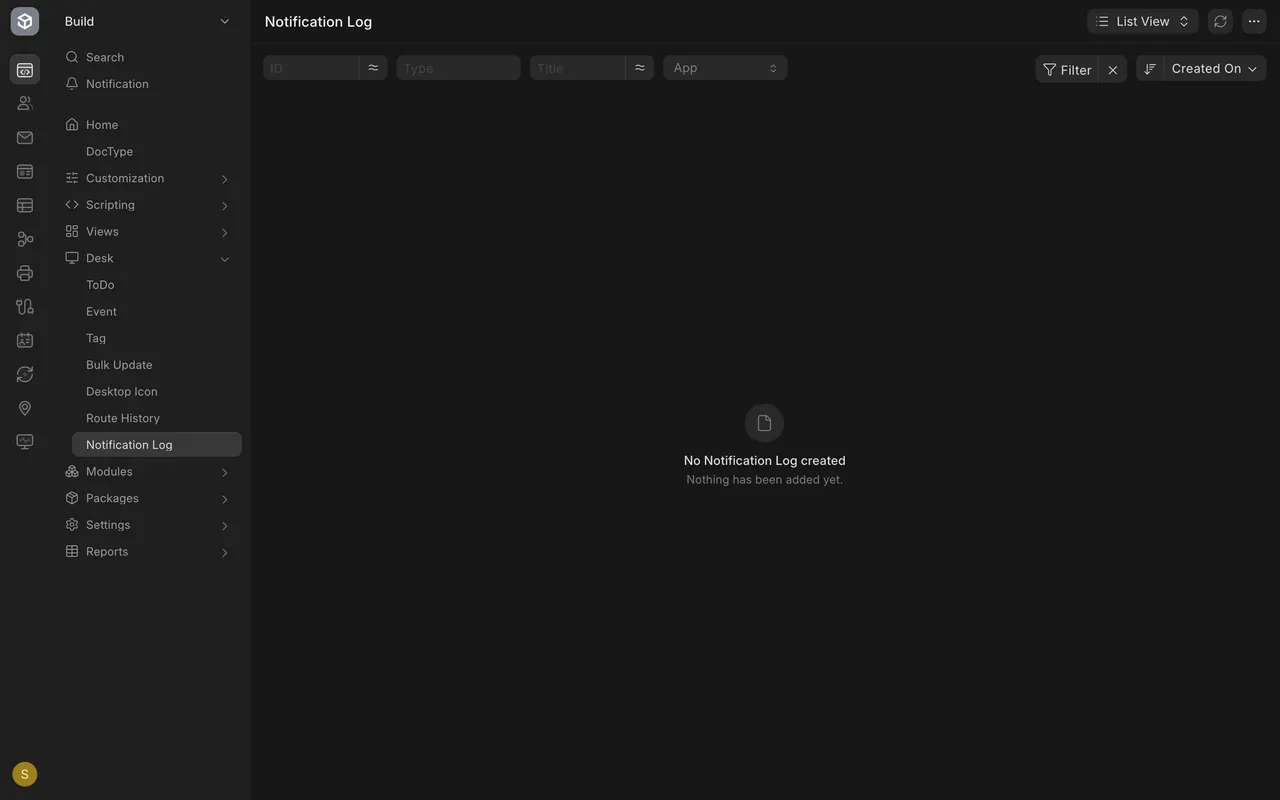
The Notification Log list is empty as well.
Your settings
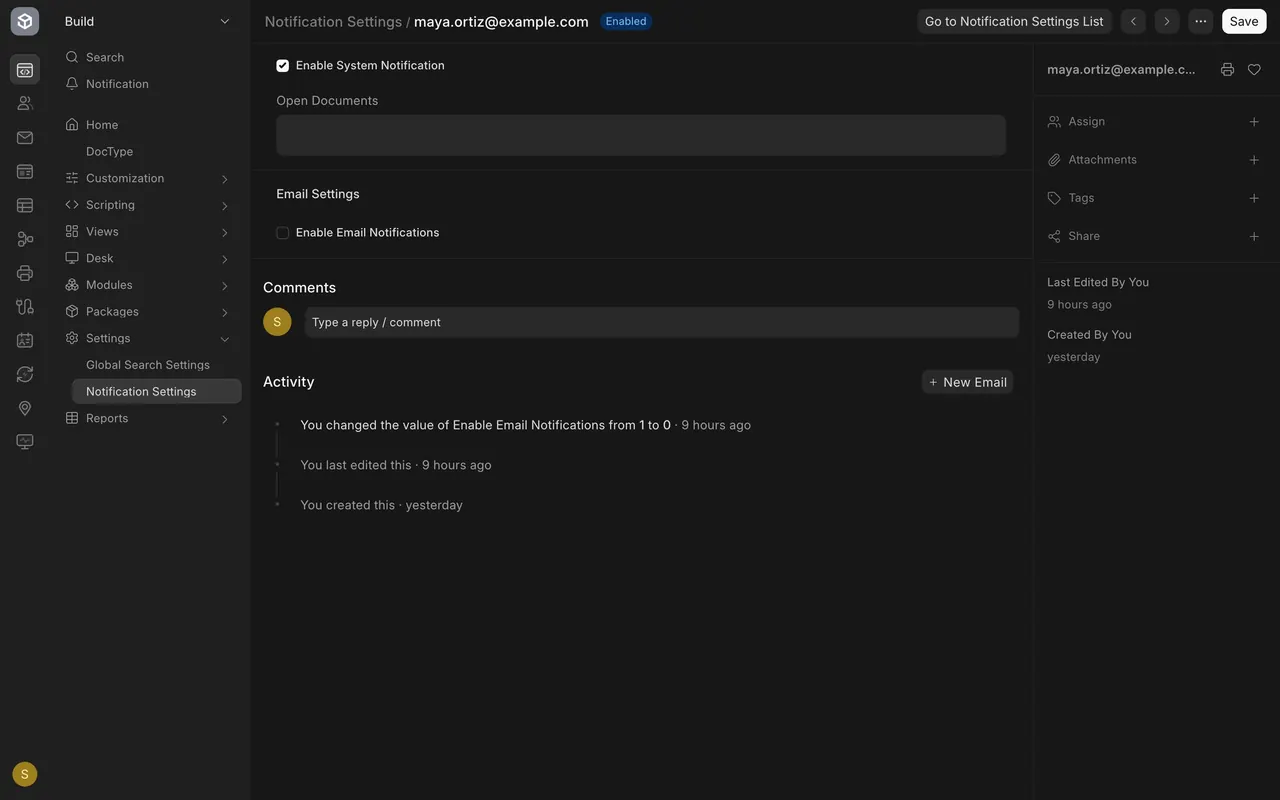
- Step 1. Under Settings in the sidebar, choose Notification Settings.
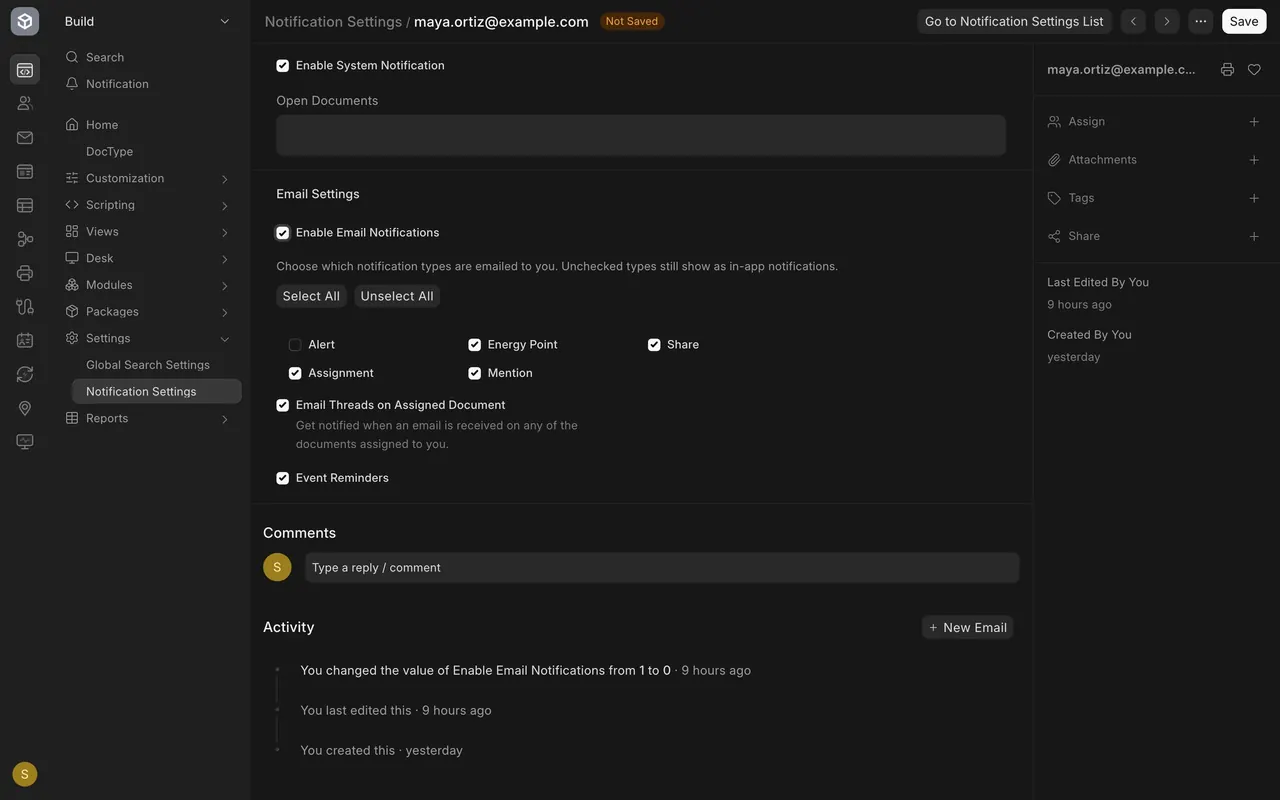
- Step 2. Enable System Notification shows notifications in the bell panel. Tick Enable Email Notifications to also email them.
- Step 3. Pick the types: Alert, Assignment, Mention, Energy Point, Share, Email Threads on Assigned Document, Event Reminders. Select All and Unselect All switch the list. Choose Save.
Alert rules
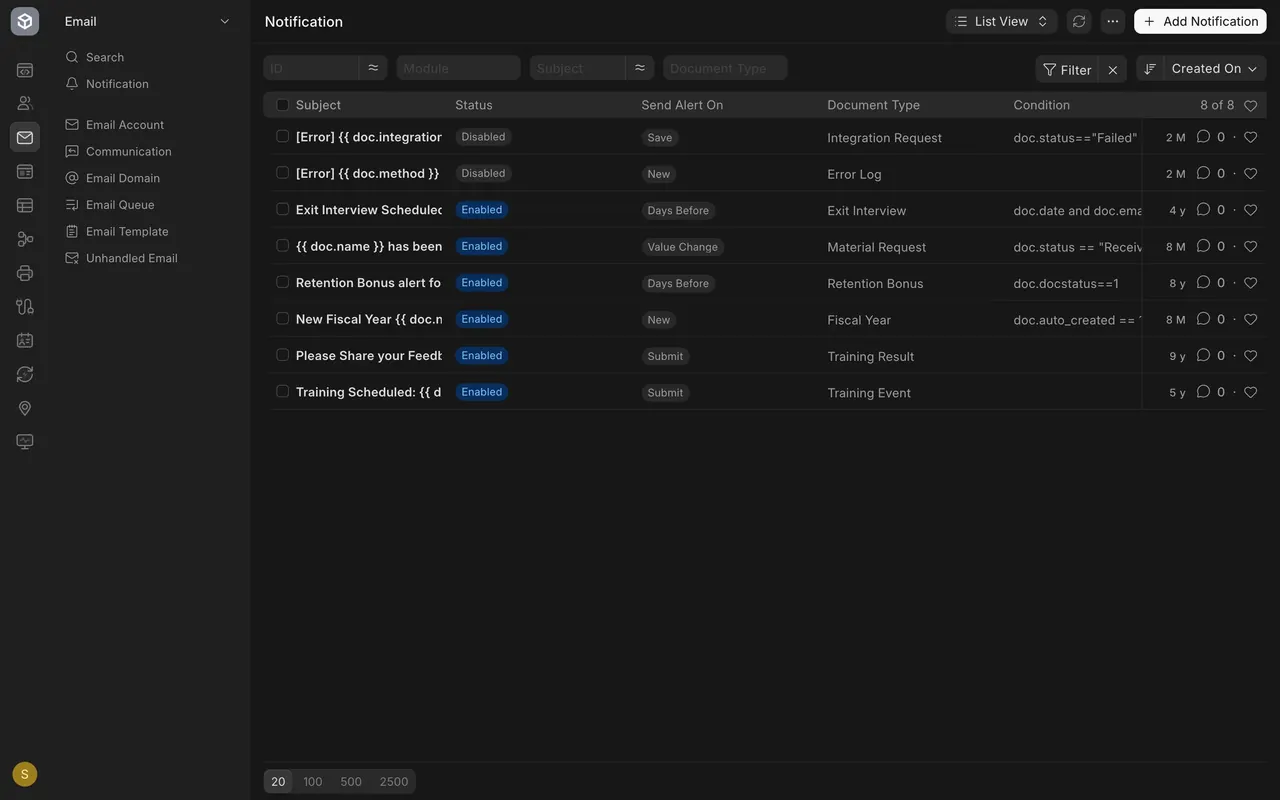
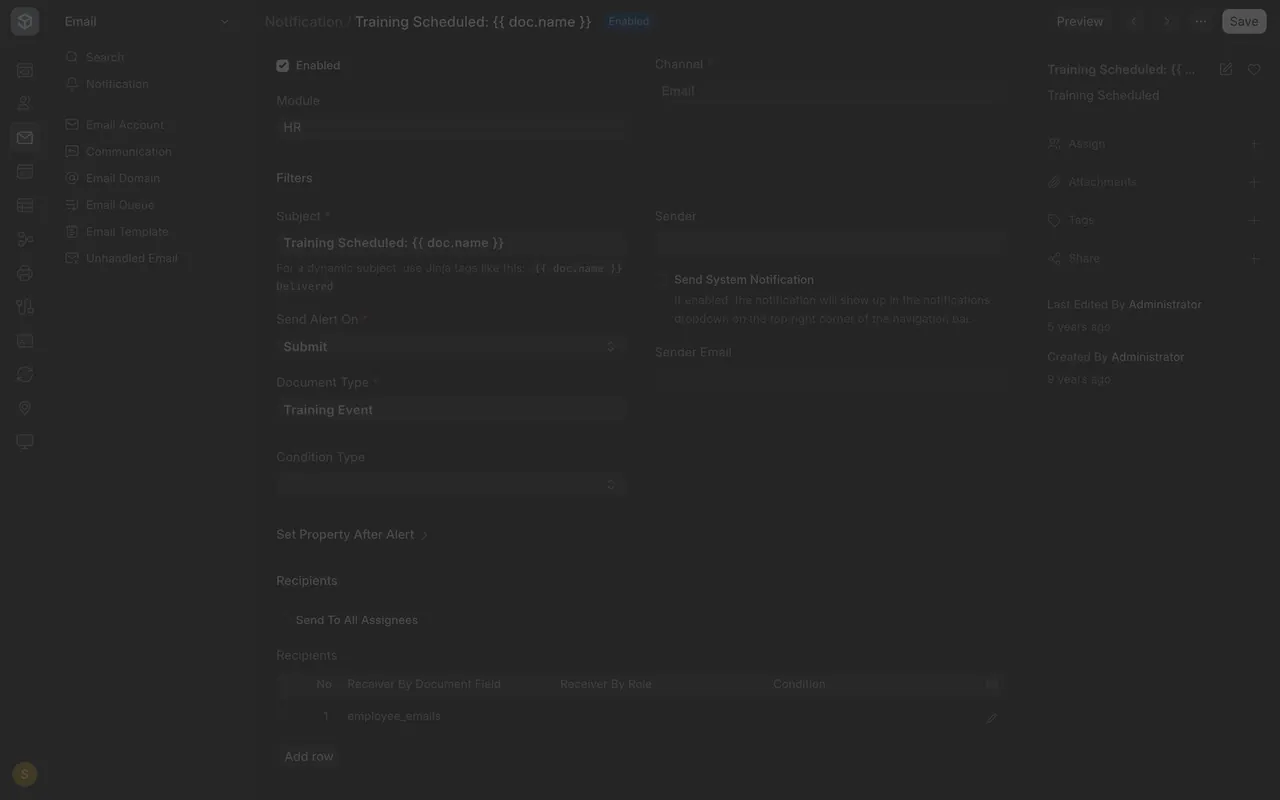
Choose Notification in the Email area. Each rule shows a Status, Send Alert On, a Document Type and sometimes a Condition. A rule's Channel is Email here, so it can email people. An administrator decides which rules are enabled.
What you may see on your own site
- A busy site shows items in the bell and a count beside it. This example site is quiet.
- Your own settings may already have email switched on.
- You may see more or fewer alert rules, and you may not be allowed to add one.
Common mistakes
- Ticking everything. Too many emailed types bury the ones that matter.
- Expecting email without Enable Email Notifications. Unticked, notifications stay in the bell.
- Adding a rule without asking. A rule can email people, so the administrator decides.
Check yourself
3 quick questions.
1. Where do new notifications for you appear?
2. What does ticking Enable Email Notifications let you do?
3. Who should decide which alert rules are enabled?