V16 Training · Sales and Credit Control · Lesson 3 of 6
Terms and conditions, shipping rules and incoterms
This lesson shows how to write standard terms once, pick them on a sales form, add freight with a shipping rule, and name the incoterm.
Written guide
The screens use example data from a demo company that sells flooring.
Step by step
Step 1. Write your standard terms once
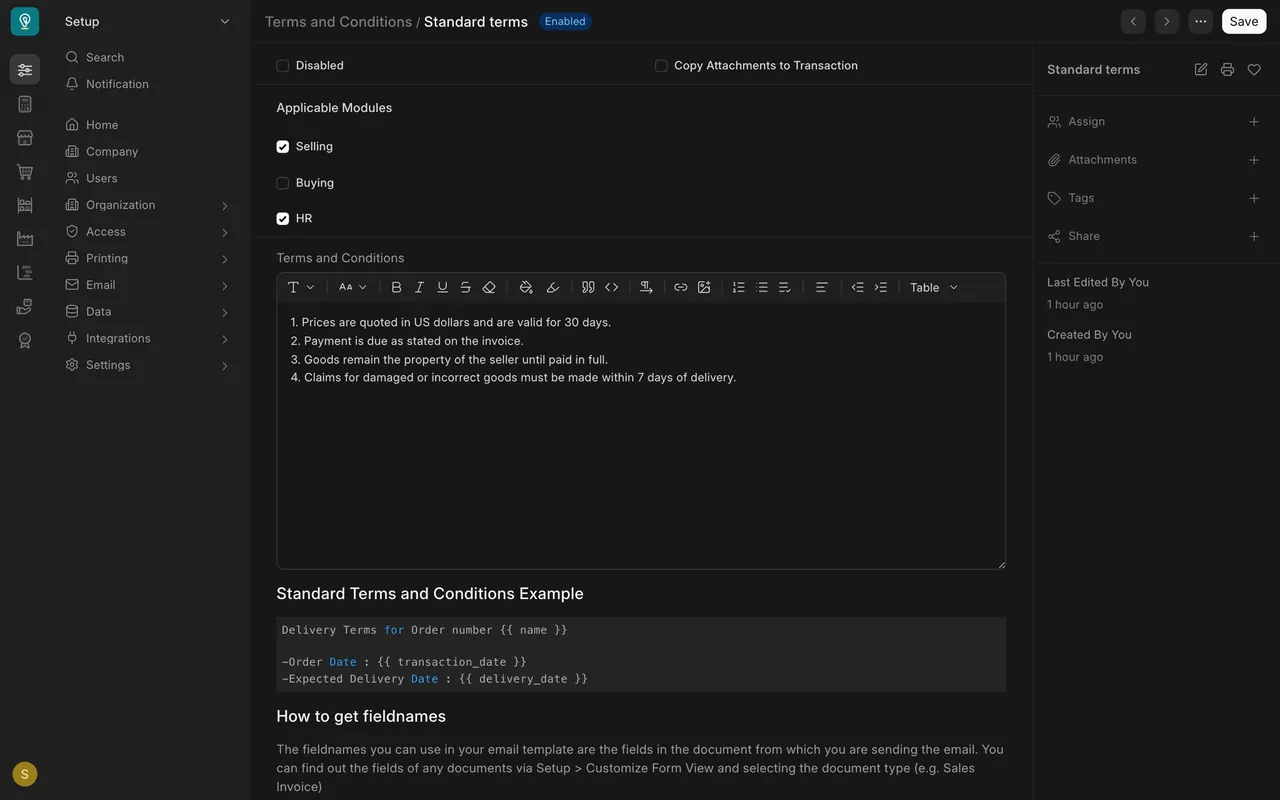
Open Terms and Conditions and open Standard terms. Four numbered points here; the Selling box decides that sales forms offer it.
Step 2. Pick the terms on a form
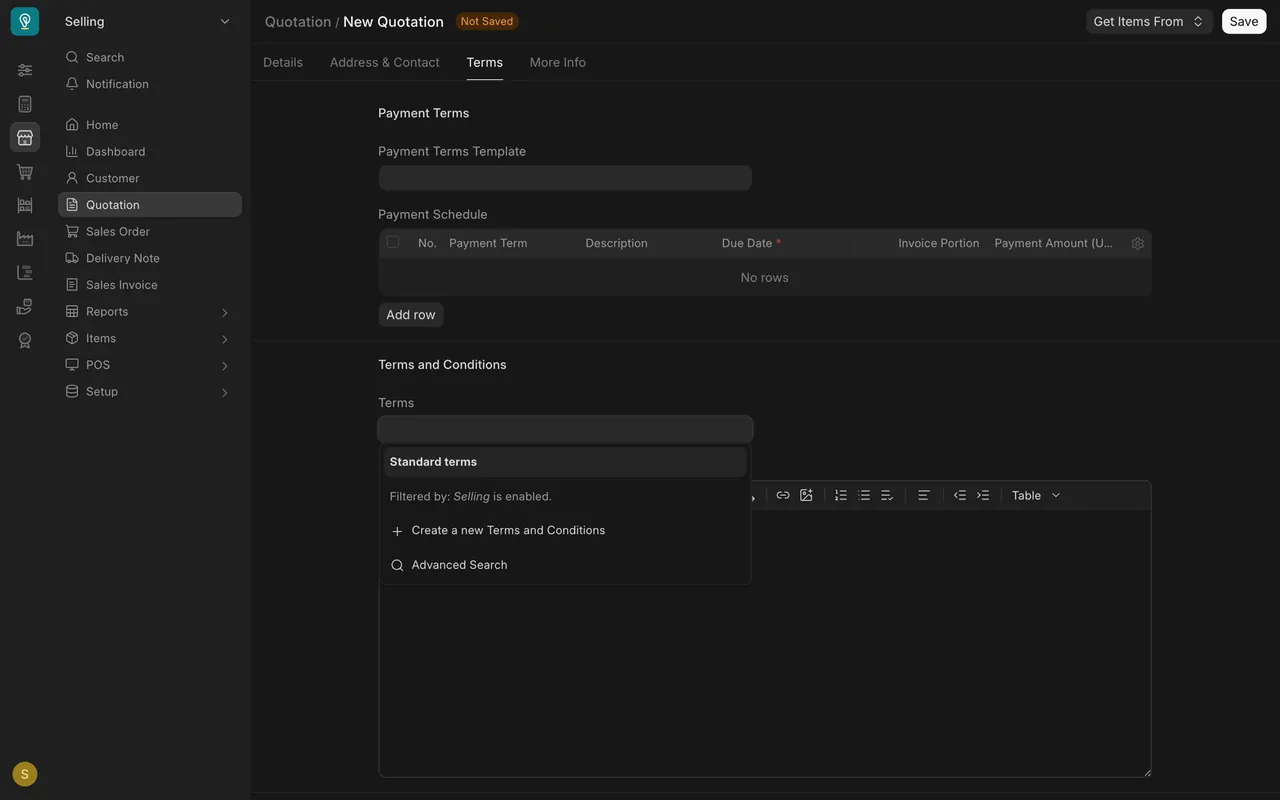
On a new quotation, open the Terms tab and click the Terms box.
Step 3. Add freight by rule
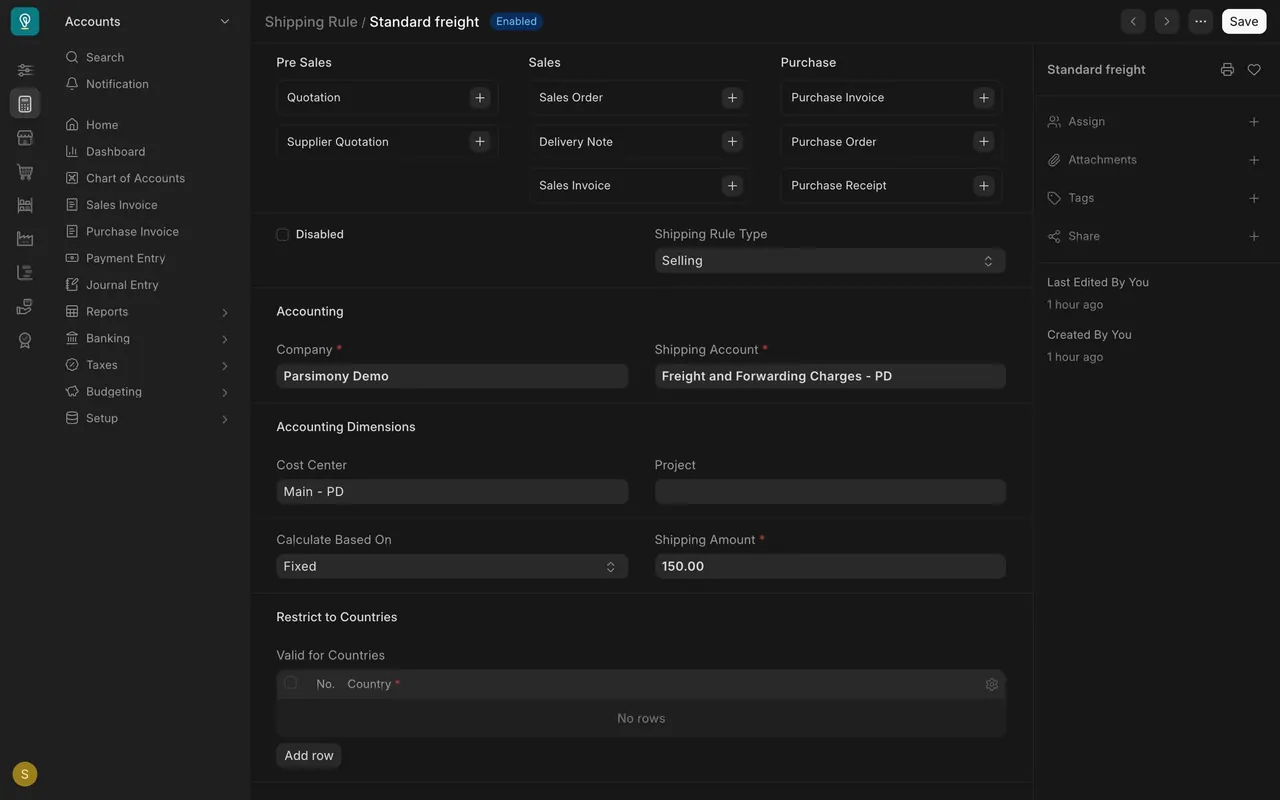
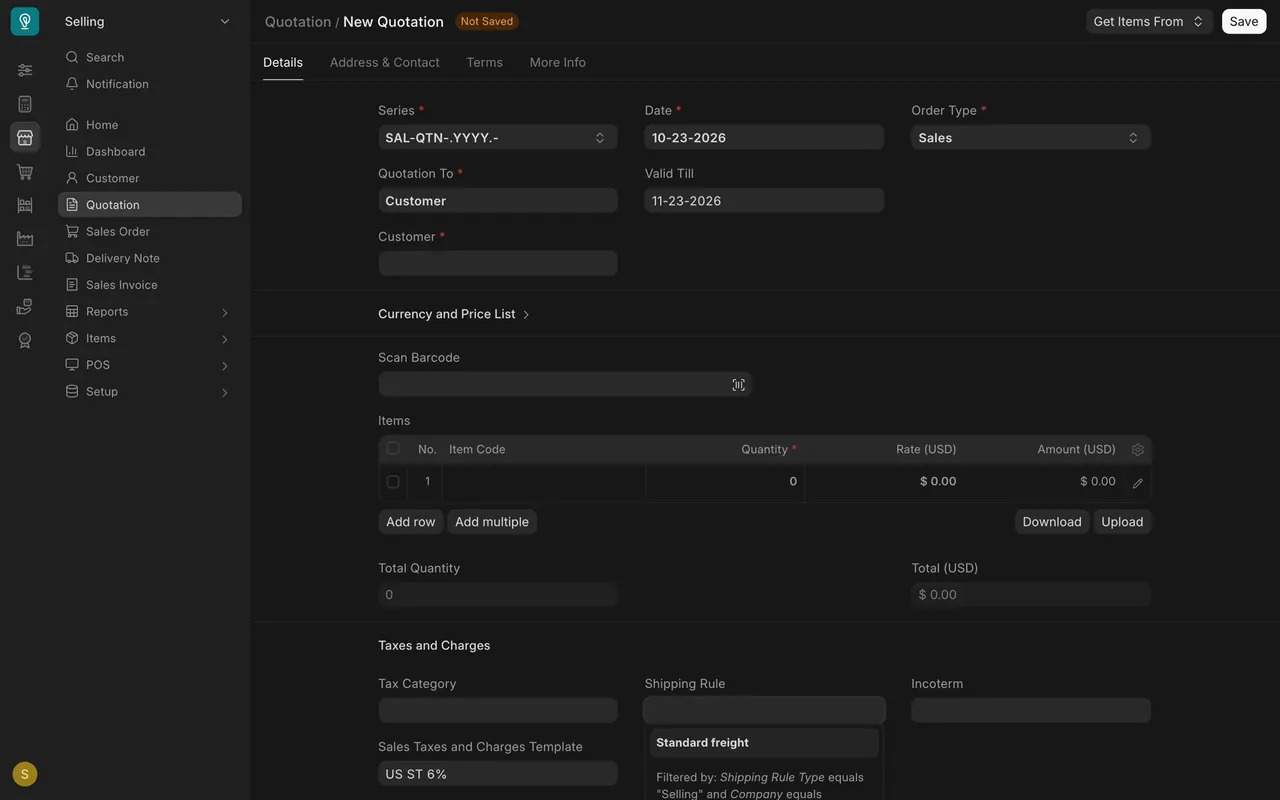
The shipping rule Standard freight is a fixed $150, booked to Freight and Forwarding Charges. Pick it in the Shipping Rule box.
Step 4. Name the incoterm
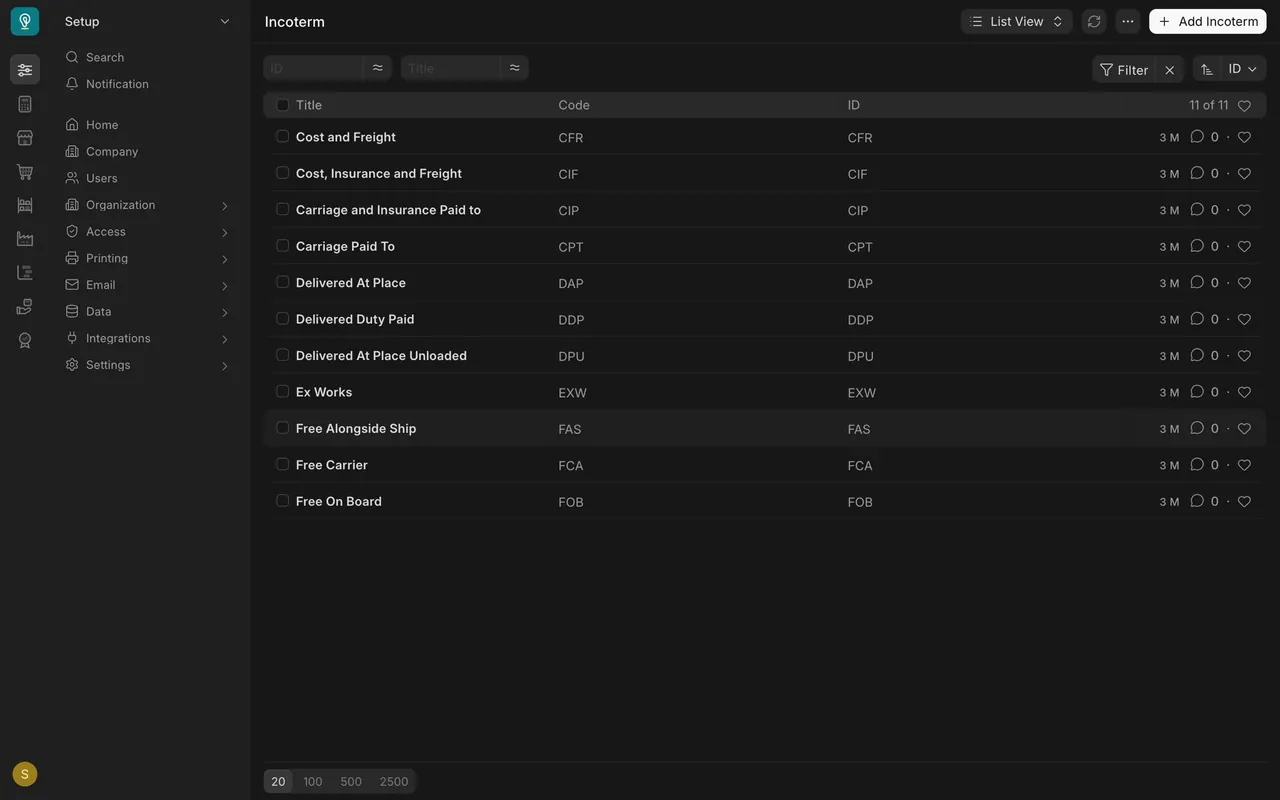
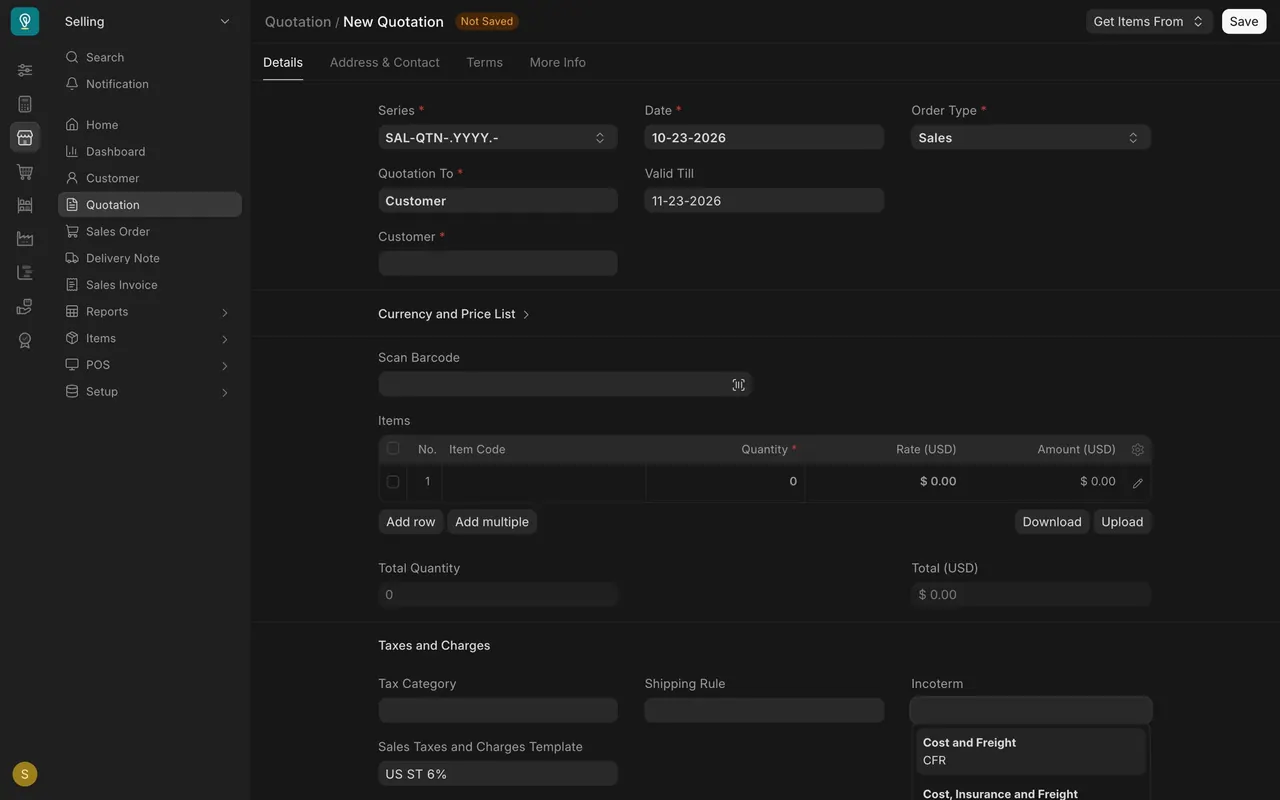
An incoterm decides who pays freight and who carries risk in transit. Eleven are listed; the Incoterm box sits beside Shipping Rule.
For payment terms, see lesson 1 of this course.
Check yourself
3 quick questions.
1. What does an incoterm decide?
2. Where do you pick standard wording on a quotation?
3. How does Standard freight calculate?