V16 Training · Items and Pricing · Lesson 2 of 6
Units of measure and conversions
This lesson shows you how Parsimony counts an item in one unit and lets you buy and sell it in others.
Written guide
The idea
Every item has one stock unit of measure: the unit its stock is counted in. If you buy flooring by the carton and sell it by the square foot, you tell the item how the units relate. That is the conversion factor.
The screens use example data from a demo company that sells flooring. The example item here is counted in Square Foot and bought by the Carton.
Step by step
Read the conversion table
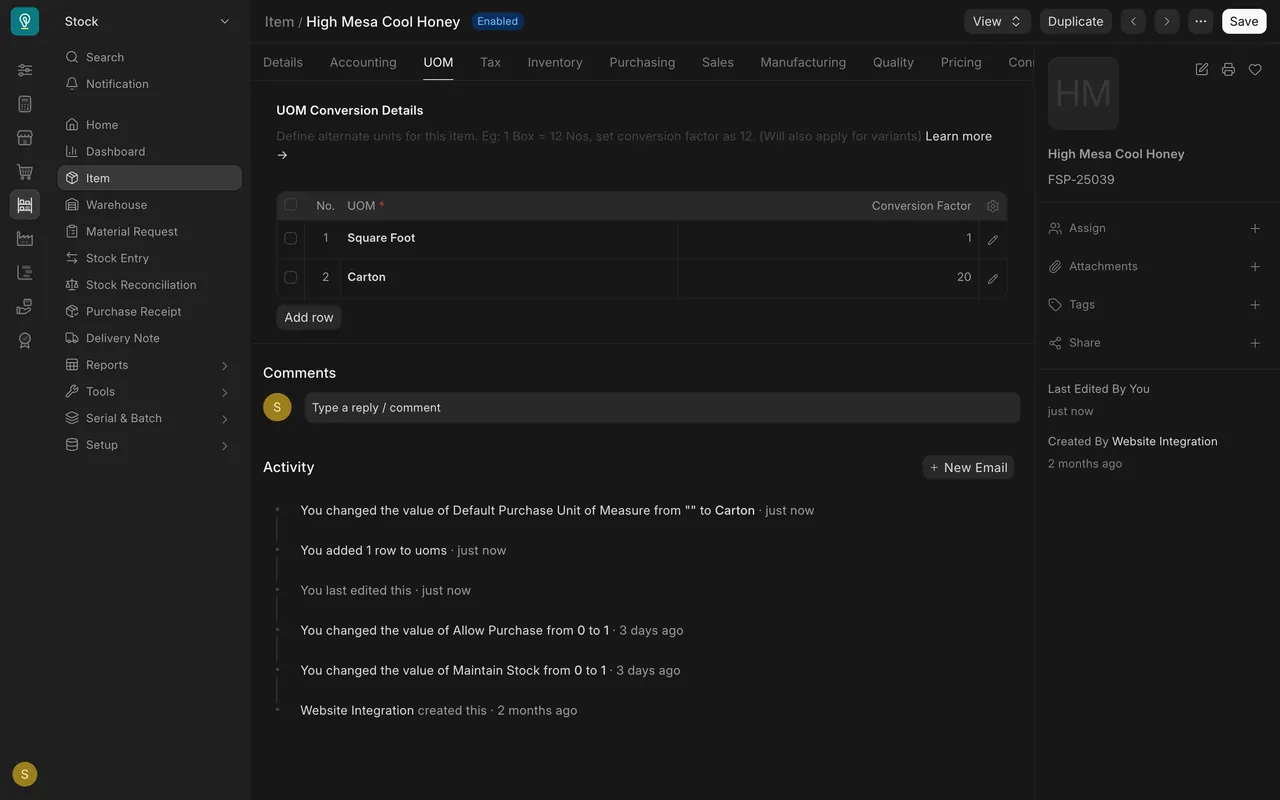
- Open an item and choose the UOM tab. The table is UOM Conversion Details.
- Each row is one unit the item can use, with its Conversion Factor. Square Foot, the stock unit, has a factor of 1. Carton has a factor of 20: one carton covers 20 square feet.
- The hint above the table gives the rule: one box equals twelve pieces, so the factor is 12.
Add a unit
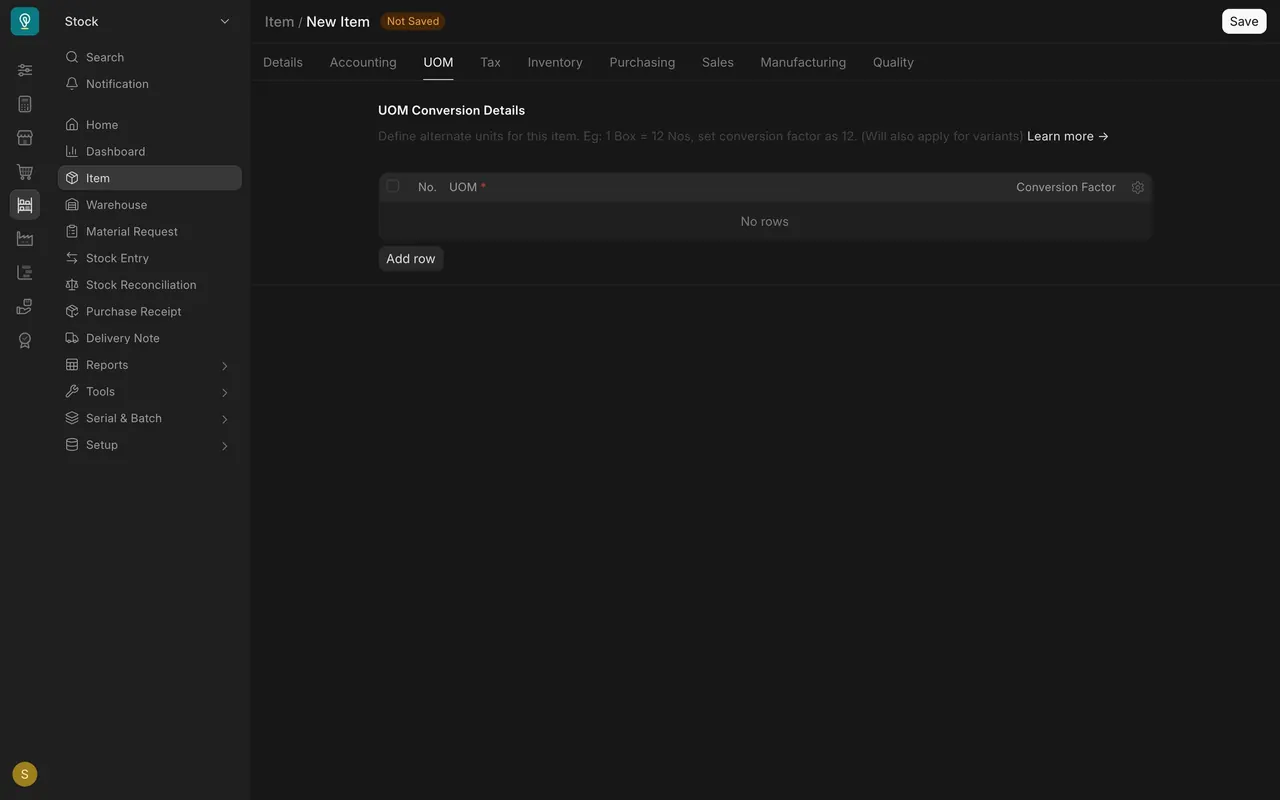
- Step 1. Open the item and choose the UOM tab.
- Step 2. Choose Add row.
- Step 3. Pick the unit, for example Carton, and type its factor. A carton that covers 20 square feet has a factor of 20.
- Step 4. Save the item.
Default units
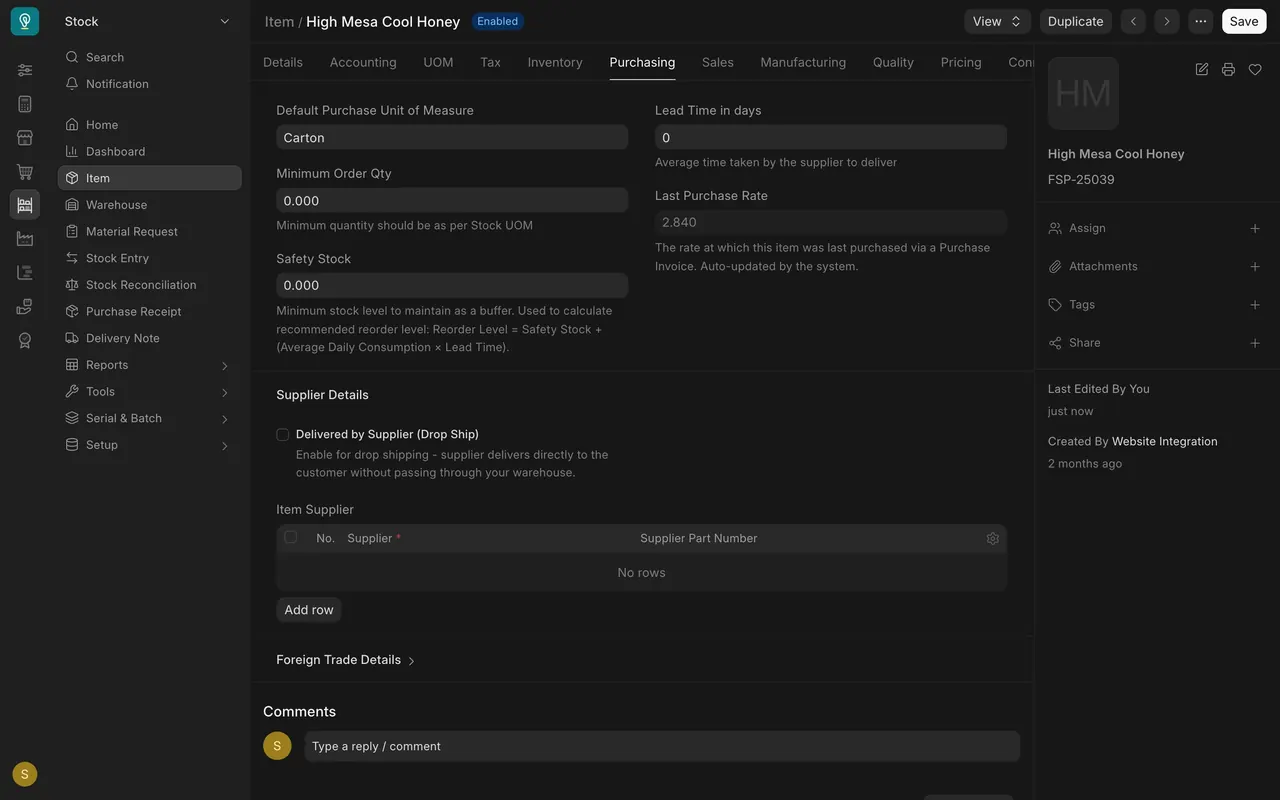
The Purchasing tab has Default Purchase Unit of Measure and the Sales tab has Default Sales Unit of Measure. On the example item the purchase unit is Carton and the sales unit is empty. Fill in the sales unit if you sell in a different unit.
On a purchase order
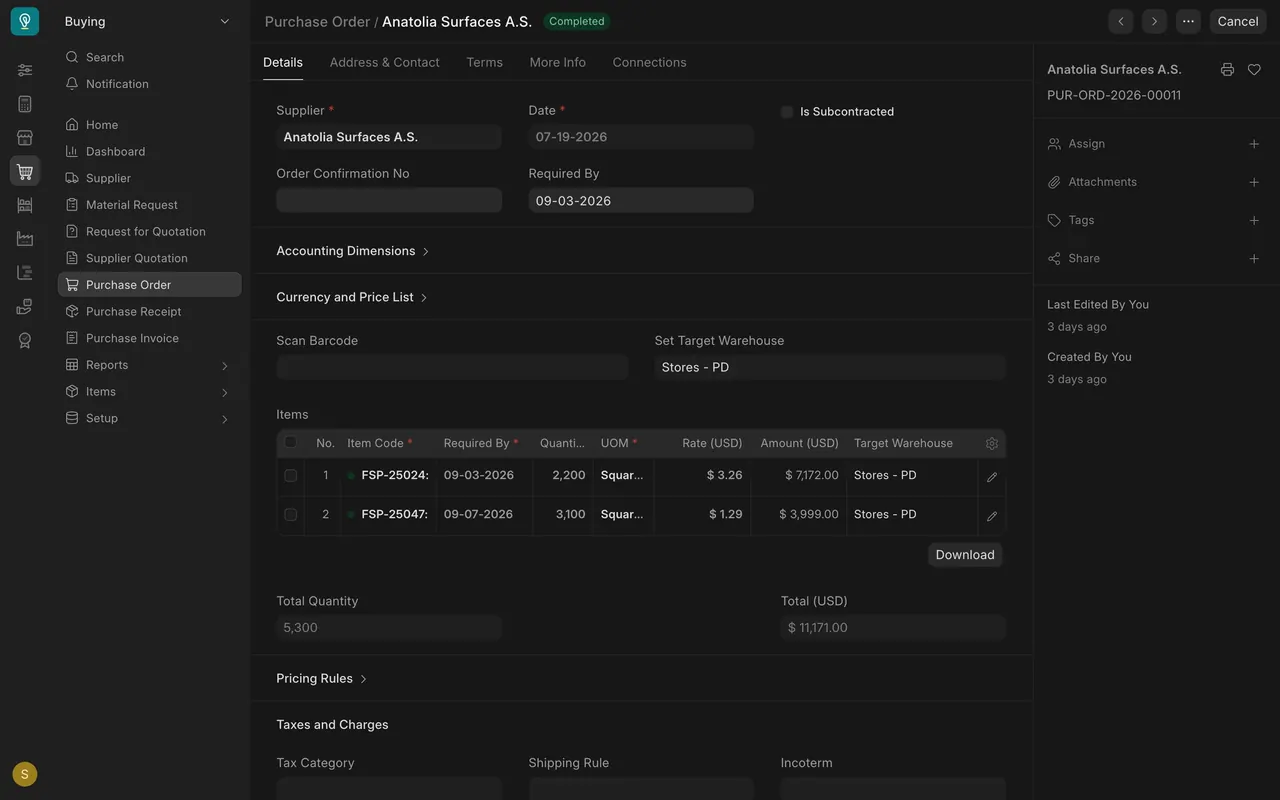
Each purchase order line has a Quantity and a UOM. Here both lines are in square feet. If a line said 100 cartons and the factor were 20, Parsimony would count 2,000 square feet into stock: quantity times factor. The line keeps the factor and the quantity in the stock unit.
The unit list
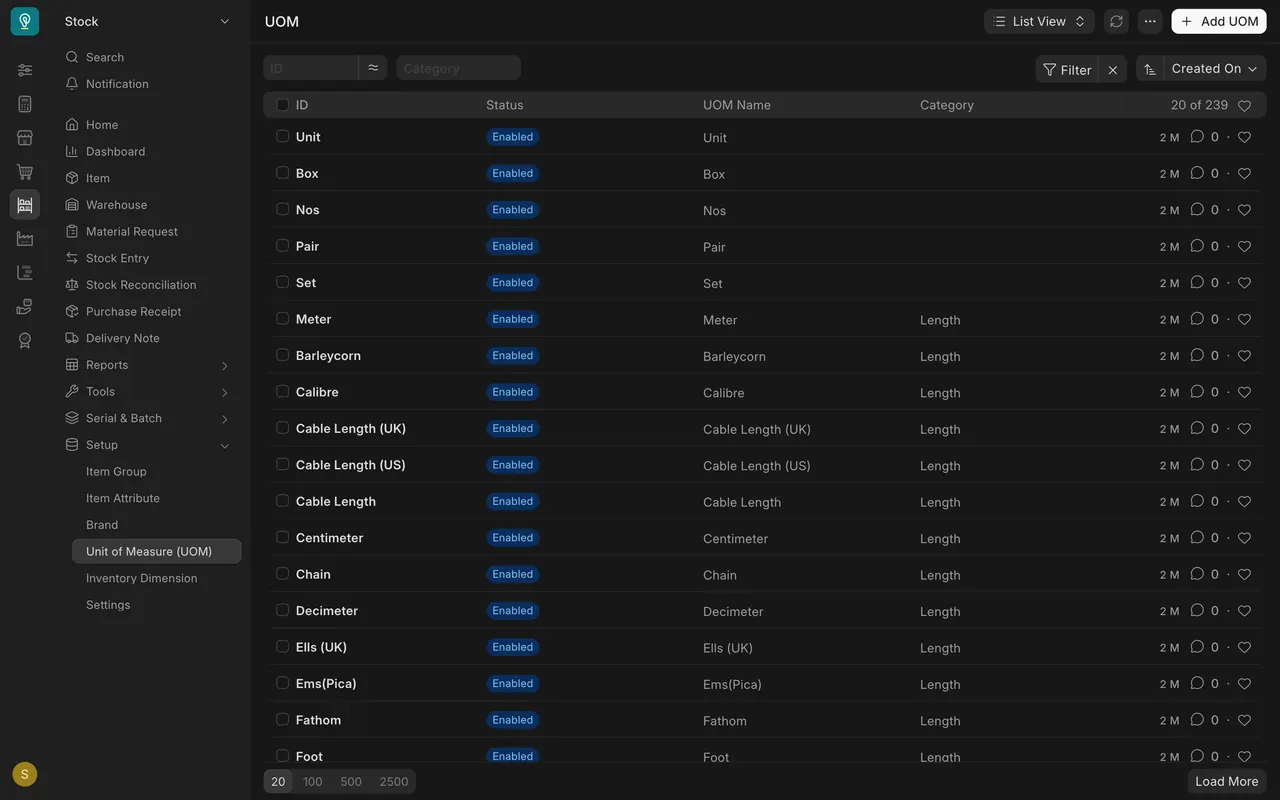
Units come from one list: Setup, then Unit of Measure. The example has 239 units. Add UOM creates a new one, such as Carton.
What you may see on your own site
- Your own items have their own rows and default units.
- Your unit list may be shorter or longer.
Common mistakes
- Typing the factor upside down. If a carton holds 20 square feet, the factor is 20, not one twentieth.
- Forgetting the stock unit. It is the unit stock is counted in, and its factor is always 1.
- Adding a unit nobody uses. Add a row only for units you really buy or sell in.
Check yourself
3 quick questions.
1. A carton holds 20 square feet and square foot is the stock unit. What is the carton's conversion factor?
2. You order 100 cartons at a factor of 20. How much stock does Parsimony count?
3. Where do you add a new unit to an item?